
In today’s digital age, cyber-threats are increasing every single day. From social media logins to banking portals, people juggle dozens of passwords often weak, reused, or stored in unsafe places. NordPass B2C, developed by the cybersecurity team behind NordVPN, provides a secure and effortless way to manage all your passwords in one encrypted vault.
If you’re looking for a reliable personal password manager, this guide covers everything you need to know.
What Is NordPass B2C?
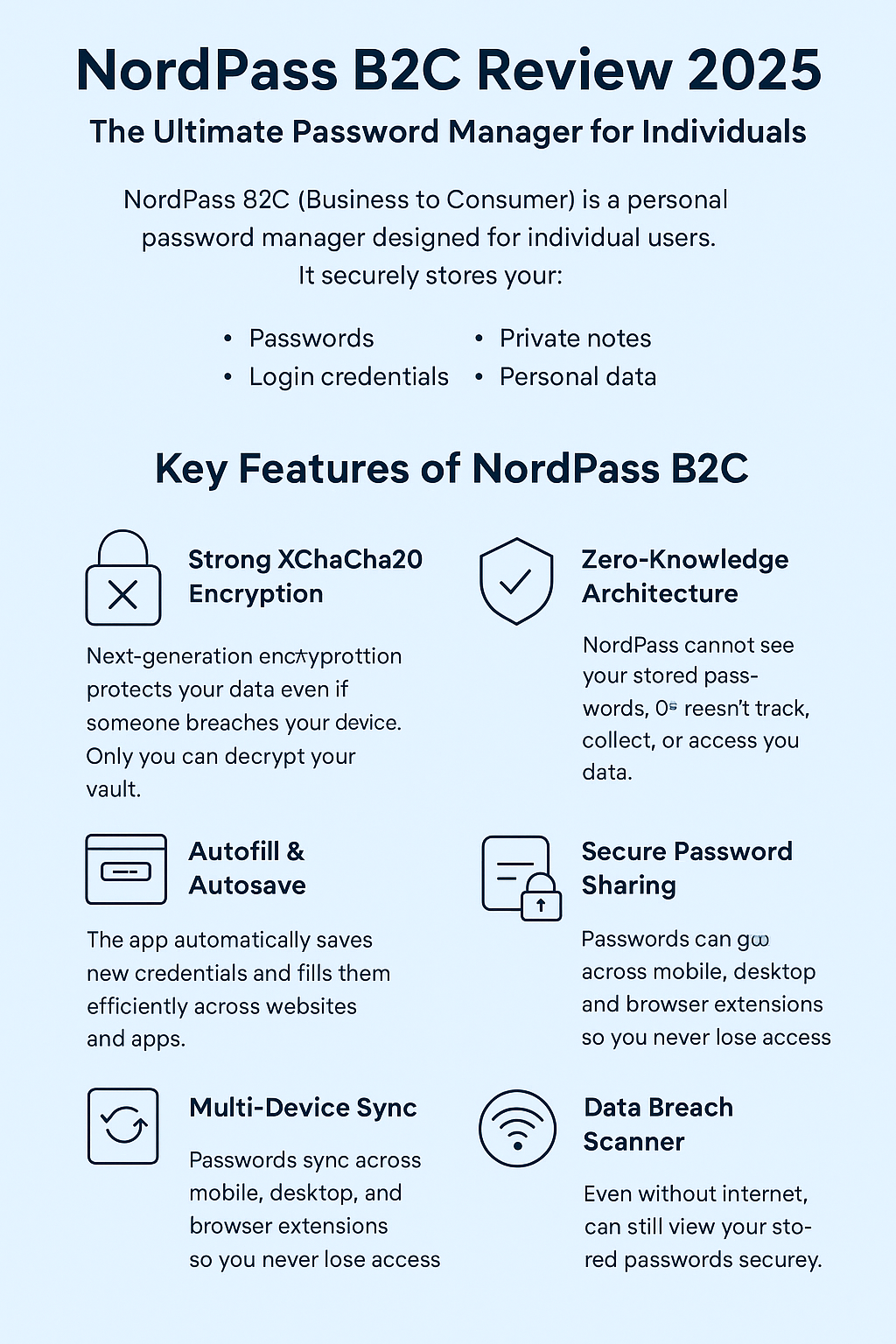
NordPass B2C (Business to Consumer) is a personal password manager designed for individual users. It securely stores your:
Passwords
Login credentials
Credit card information
Private notes
Personal data
All information is protected with XChaCha20 encryption, one of the strongest modern encryption algorithms available.
Key Features of NordPass B2C
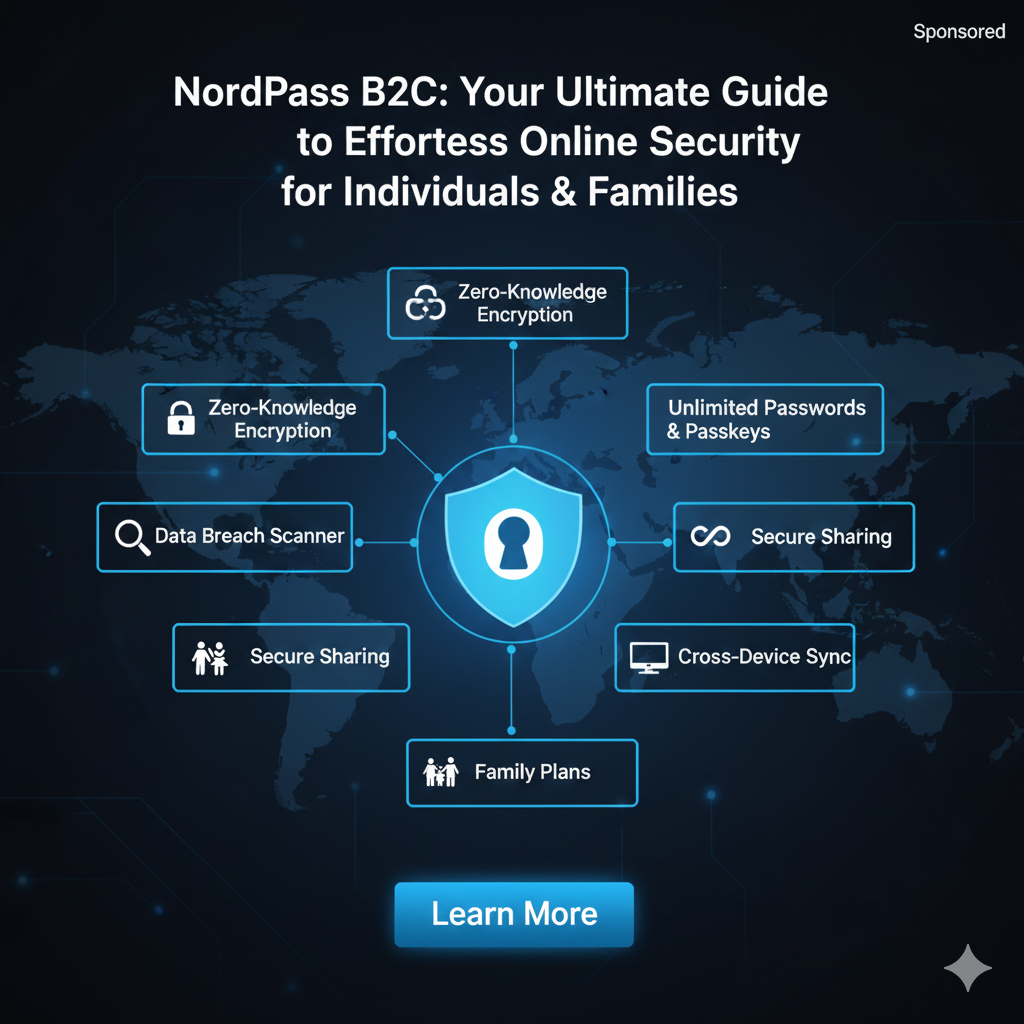
1. Strong XChaCha20 Encryption
NordPass uses next-generation encryption that protects your data even if someone breaches your device. Only you can decrypt your vault.
2. Zero-Knowledge Architecture
NordPass cannot see your stored passwords. They don’t track, collect, or access your data.
3. Autofill & Autosave
The app automatically saves new credentials and fills them in efficiently across websites and apps. This saves time and eliminates typing errors.
4. Secure Password Sharing
You can share passwords safely with family or trusted individuals using encrypted channels—much safer than messenger apps.
5. Multi-Device Sync
Your passwords sync across mobile, desktop, and browser extensions so you never lose access.
6. Password Health Check
NordPass scans for:
Weak passwords
Reused passwords
Old passwords
Compromised credentials
This helps strengthen your digital security instantly.
7. Data Breach Scanner
You get alerts if your email or password appears in leaked databases. This gives you time to change your login before hackers exploit it.
8. Offline Access
Even without internet, you can still view your stored passwords securely.
Why Individuals Should Use NordPass B2C
✔ Perfect for Non-Technical Users
The interface is extremely easy to navigate.
✔ A Safer Alternative to Saving Passwords in Browsers
Browsers store passwords with weaker security.
✔ Eliminates Password Fatigue
You no longer need to remember dozens of complex passwords.
✔ Protects From Phishing & Credential Theft
Autofill ensures you don’t type passwords into fake websites.
✔ Affordable Pricing
NordPass offers both free and premium plans, making it accessible for all types of users.
NordPass B2C Pricing (2025 Overview)
| Plan | Features | Best For |
|---|---|---|
| Free | Unlimited passwords, autofill, autosave | Beginners |
| Premium | Data breach scanner, password sharing, multi-device sync | Regular internet users |
| Family Plan | Up to 6 users | Families wanting shared protection |
Prices may vary with seasonal discounts.
How to Use NordPass B2C (Step-by-Step)
Download NordPass from the official website.
Create your account and set a Master Password.
Import your existing passwords from browsers or CSV files.
Install NordPass extensions (Chrome, Firefox, Edge, Safari).
Enable auto-fill and autosave for faster login.
Run a Password Health Check to secure your online accounts.
Who Should Choose NordPass B2C?
NordPass is ideal for:
Students
Freelancers
Online shoppers
Frequent travelers
Social media users
Anyone who wants strong protection without complexity
If you manage more than 5–10 online accounts, NordPass is a must-have cybersecurity tool.
Conclusion: Is NordPass B2C Worth It?
Absolutely — NordPass B2C is one of the best password managers in 2025 for individuals looking for advanced security, ease of use, and affordable pricing. Whether you're managing personal or financial accounts, NordPass ensures your digital life stays safe and organized.